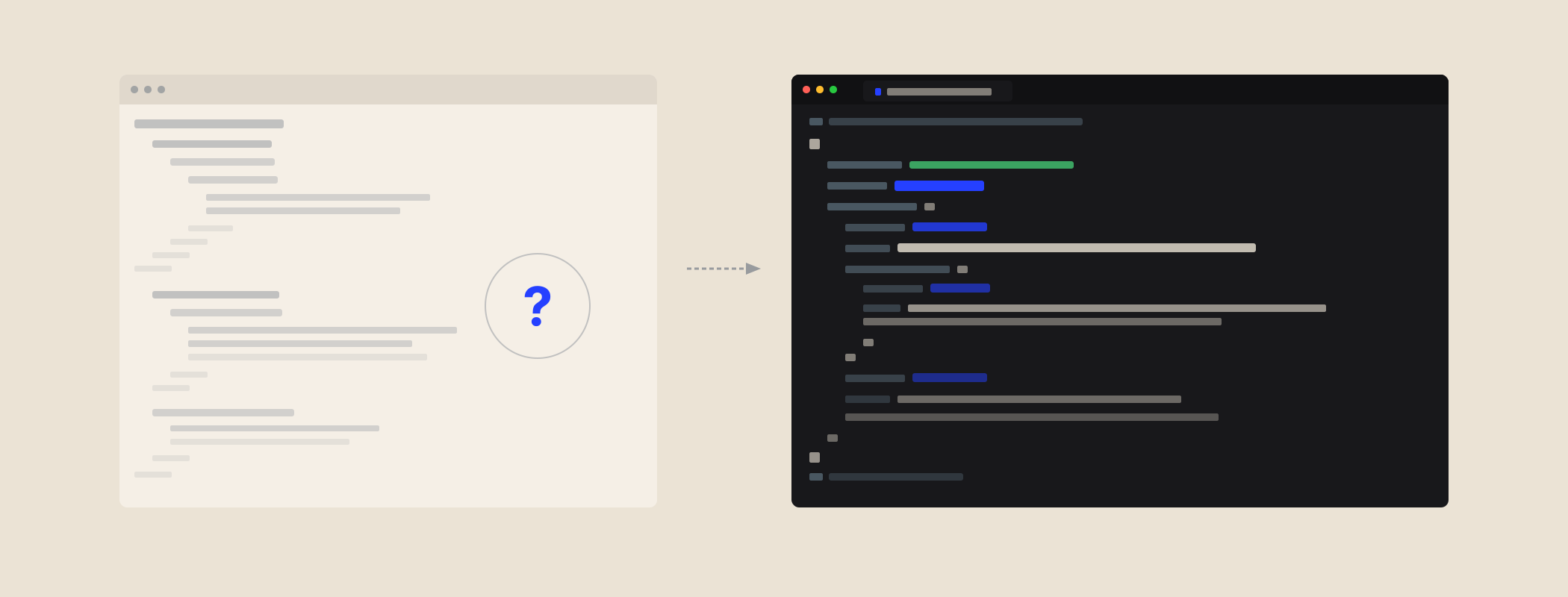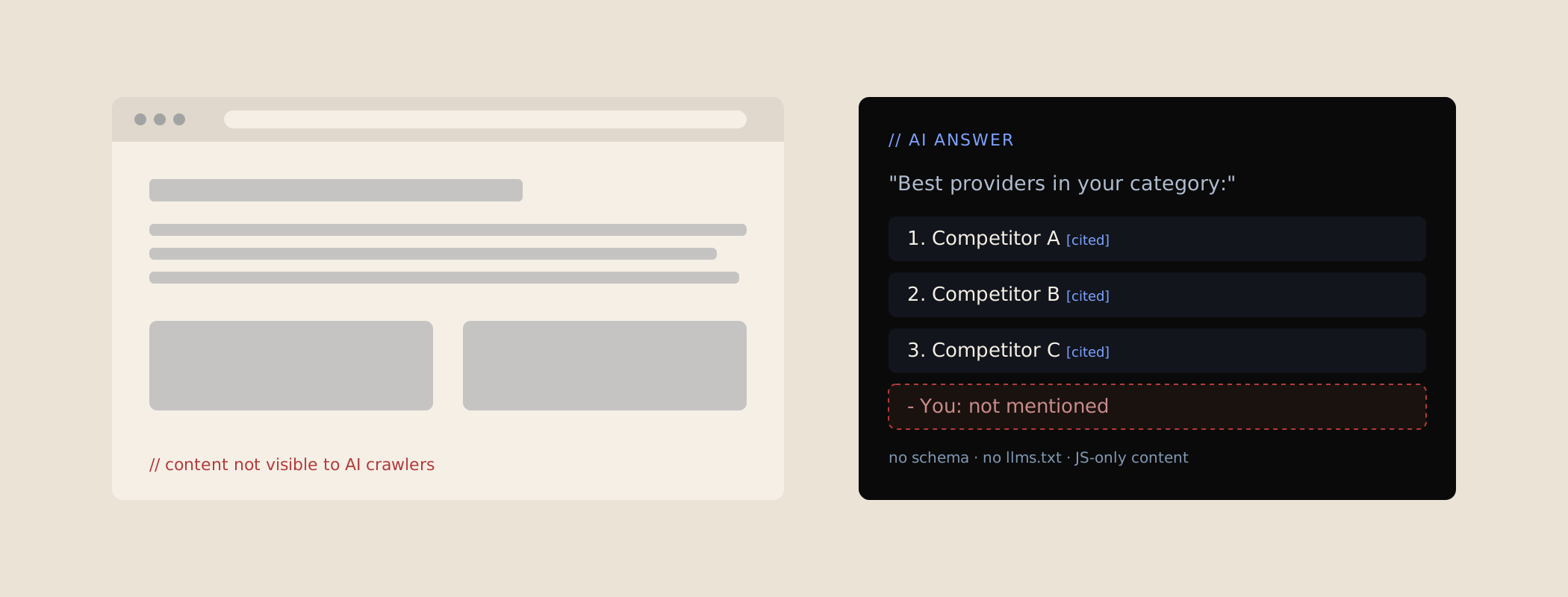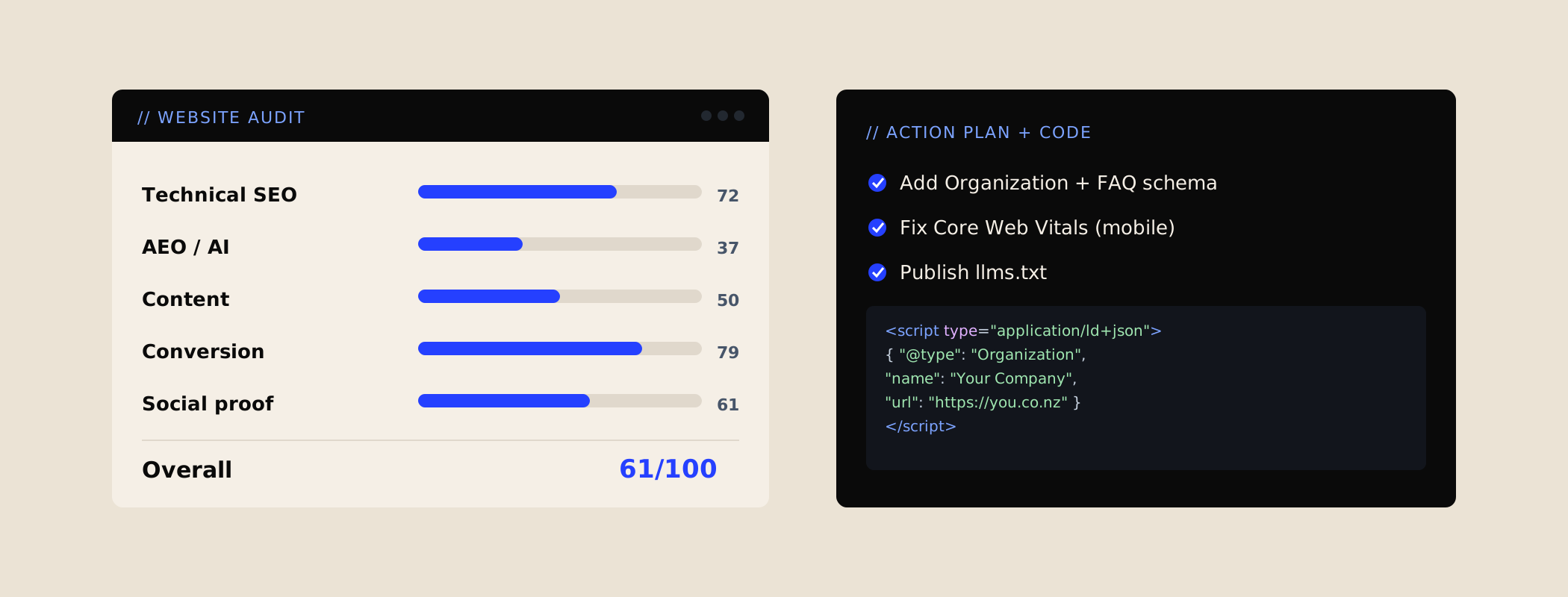
Product pages carry a hidden block of code called structured data (JSON-LD). It tells Google, and the AI tools built on top of search, exactly what you sell: the name, the price, whether it's in stock, the barcode, the reviews. When that block breaks, nothing on the page looks different. Shoppers see the same product. Google sees nothing worth showing.
What actually broke
Shopify themes build the product's structured data from your product fields. In the theme I was looking at, the barcode line was written like this:
"gtin14": {{ variant.barcode }},That prints the barcode exactly as it is stored. A 14-digit barcode (GTIN-14) is often a normal 13-digit barcode with a 0 in front, so the page ended up with something like this:
"gtin14": 09412345678904,To a person that looks fine. To a computer it's broken. In JSON, the format structured data uses, a number can't start with a zero. Text can, but only inside quote marks. With no quote marks, the line is invalid, and Google can't read the block.
The painful part is what happens next. Google doesn't skip the one bad line. It discards the whole block, so the product name, price, currency, stock and review stars all go too. On that store, nearly every product page was affected.
Why this matters more in 2026
Broken product data used to cost you the price and star ratings under your Google listing. That alone is a lot: those snippets are a big part of why a shopper clicks your result instead of the one below it.
Now there's more riding on it. Google's free Shopping listings, the AI Overviews at the top of the results and the product answers in ChatGPT and Google's AI Mode all lean on clean product facts to decide what to show. Structured data is one of the clearest ways to hand them those facts. If a competitor's block reads cleanly and yours doesn't, it's not hard to guess whose product gets recommended.
How to check yours in two minutes
- Open Google's Rich Results Test.
- Paste in the URL of one of your product pages (pick a product that has a barcode).
- Look for Product snippets or Merchant listings under the detected items.
If it says no items were detected, or you see a parsing error, your product data isn't being read. Two more places to look:
- Search Console: under Enhancements, an Unparsable structured data report is a strong sign of this exact bug.
- Your page source: view the source of a product page and search for
gtin. If the number after it has no quote marks, you've found it.
The fix: one word
Shopify's template language has a filter called json that wraps a value in quote marks and escapes anything that would break the code. Add it to the barcode line:
"gtin14": {{ variant.barcode | json }},The page now prints "gtin14": "09412345678904", which is valid, and the whole block comes back to life. The same filter belongs on every value printed into structured data: names, descriptions, SKUs. Product names with a quote mark or an ampersand in them break the code in the same way.
How I'd ship it:
- Duplicate the live theme and make the change on the copy.
- Preview a product page, run it through the Rich Results Test, and check a product without a barcode too.
- Publish once it passes, then ask Search Console to validate the fix.
What a clean product block looks like
Here's a trimmed-down version of what a healthy product block should print for one variant. Every value that isn't a plain number is in quote marks, and the price, currency and stock are all there:
{
        "@context": "https://schema.org",
        "@type": "Product",
        "name": "Example Merino Beanie",
        "brand": { "@type": "Brand", "name": "Example Brand" },
        "sku": "EX-BEANIE-GRY",
        "gtin14": "09412345678904",
        "offers": {
          "@type": "Offer",
          "price": "59.00",
          "priceCurrency": "NZD",
          "availability": "https://schema.org/InStock",
          "url": "https://example.co.nz/products/merino-beanie?variant=123"
        }
      }
If your product pages print something close to this, and the Rich Results Test picks it up, you're in good shape. Reviews, shipping and returns can be added on top once the basics read cleanly.
While you're in there: the other usual suspects
When one schema bug turns up on a Shopify store, others usually come with it. The ones I see most:
| Problem | What to do |
|---|---|
| Two product blocks on one page, one from the theme and one from a reviews app, saying different things | Keep one. Feed the review rating into it, and switch off the app's version. |
| Prices always shown in NZD, even to Australian and US shoppers | Use the shopper's currency, so each market's data matches the price they see. |
| No shipping or returns details | Add them. Google now shows delivery and returns info in product results. |
| An Organization block with empty social links | Fill it with your real profiles, or remove the empty fields. |
| Brand set to the store name on every product | Set the real brand, especially if you sell other brands too. |
Why nobody noticed
Because nothing looks wrong. The theme was probably customised by a developer years ago, the product pages render perfectly, and sales still come in. The Search Console warning sits in a report most store owners never open.
And the timing is cruel. The bug often only appears when someone does the right thing: adds barcodes to every product so Google Merchant Center and the marketplaces are happy. The fix for one Google tool quietly breaks another.
Fix it before the sales
If you're reading this in November: this is one of the few changes worth making before Black Friday. It's one line, it doesn't change how anything looks, and it's easy to test on a duplicate theme. Get it live before your code freeze, so Google has a few weeks to pick up clean product data before the busiest shopping days of the year.
Where this fits: product structured data is part of technical and schema work, the layer that makes a store readable to Google and AI. Running Shopify? Here's how I do Shopify SEO and AEO hands-on.