Your buyers have quietly changed how they research. Before they fill in a form or book a demo, more and more of them open ChatGPT, Perplexity or Google's AI Overviews and ask a question - "what's the best [your category] tool for [their use case]?" The AI answers with a shortlist and a few cited sources. If you're not one of those sources, you're not in the room. The uncomfortable part: plenty of good B2B sites are simply invisible to AI, and their owners have no idea. Here's how to find out in about ten minutes.
Why a good-looking site can still be invisible
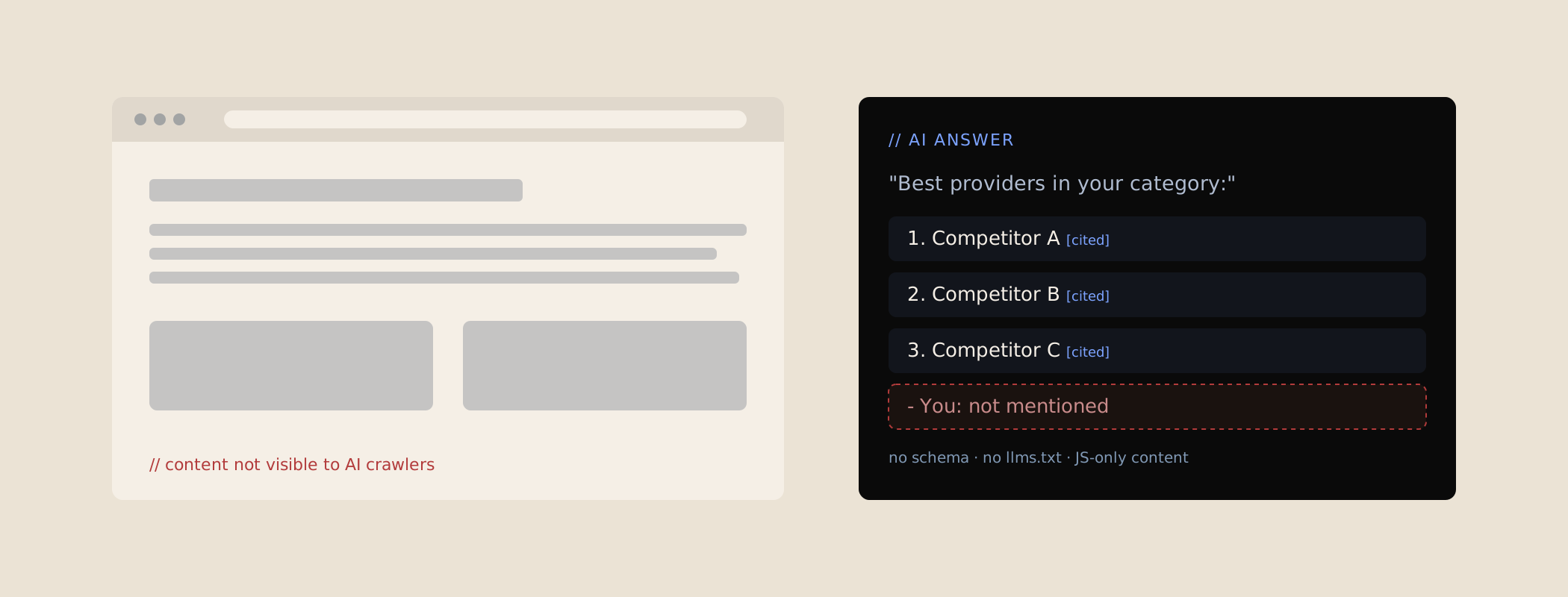
AI crawlers don't experience your site the way you do. They send a request and read the raw HTML that comes back - usually without executing JavaScript. If you're on a server-rendered site (plain HTML, WordPress, most CMS platforms), your content is right there on first fetch. If you're on a heavy JavaScript framework without server-side rendering, the crawler often gets an near-empty shell: a <div id="root"></div> and some scripts. Your beautiful hero copy and feature pages only appear after a browser renders them - which these crawlers don't do. Great site for humans. Blank page for AI.
Add to that: no schema (so the AI has to guess what your page even is), no llms.txt, and a messy heading structure, and you've made yourself hard to read and easy to skip. Let's test for each.
The 7 checks
1. View your raw HTML. Right-click your homepage and choose "View Page Source." Use Ctrl/Cmd+F to search for a sentence you can see on the page. If it's in the source, good - crawlers can read it. If it's missing, your content is being injected by JavaScript and may be invisible to AI.
2. Look for schema. In that same source, search for application/ld+json. Find nothing? You have no structured data - the single biggest, easiest AEO (answer engine optimisation) gap for most B2B sites.
3. Check for llms.txt. Visit yourdomain.co.nz/llms.txt. If it 404s, you don't have one. Not fatal, but it's a cheap, useful signal to add.
4. Ask ChatGPT about your category. Write 5 questions a buyer might ask ("best [category] provider in New Zealand," "[competitor] alternatives," "how much does [category] cost"). Ask them. Does your brand appear? Is what it says accurate?
5. Repeat in Perplexity. Perplexity shows its sources explicitly, so it's the clearest test of whether your pages are being cited. Note which of your pages (if any) show up.
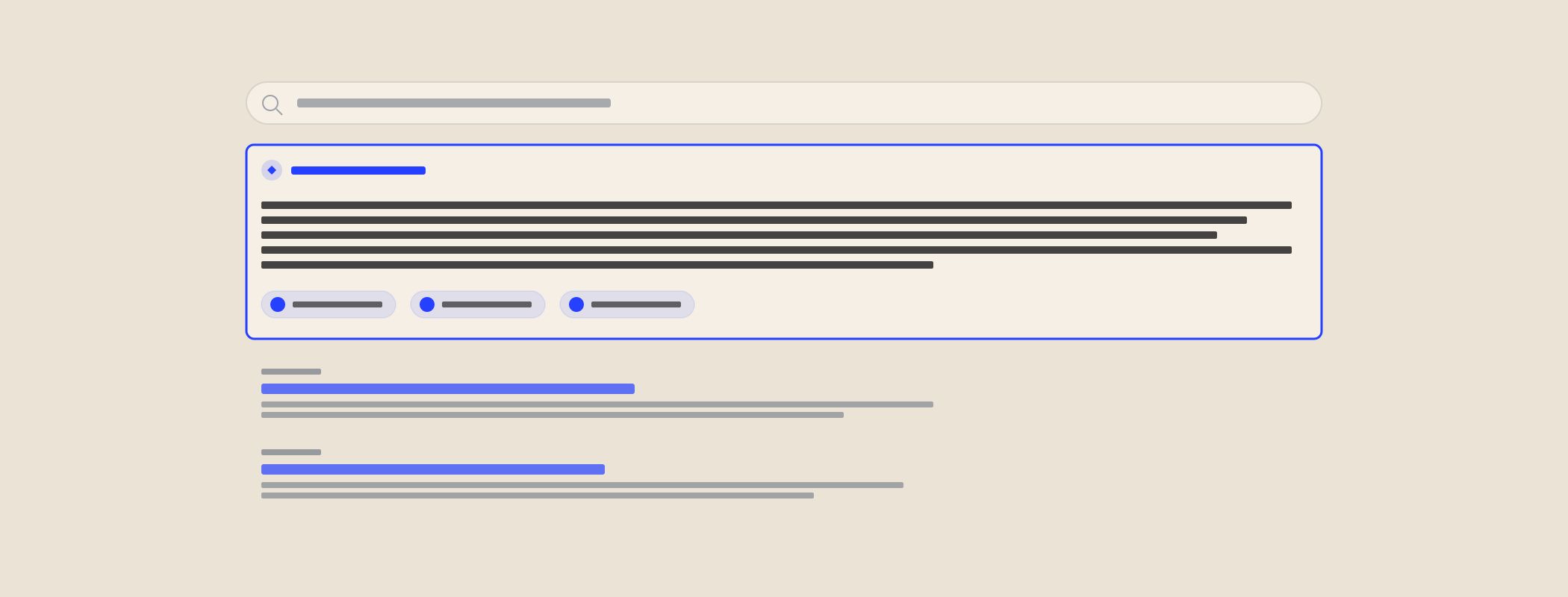
6. Check Google's AI Overviews. Search your category questions in Google and watch the AI-generated summary at the top. Who gets pulled in? If it's always the same three competitors and never you, that's your gap.
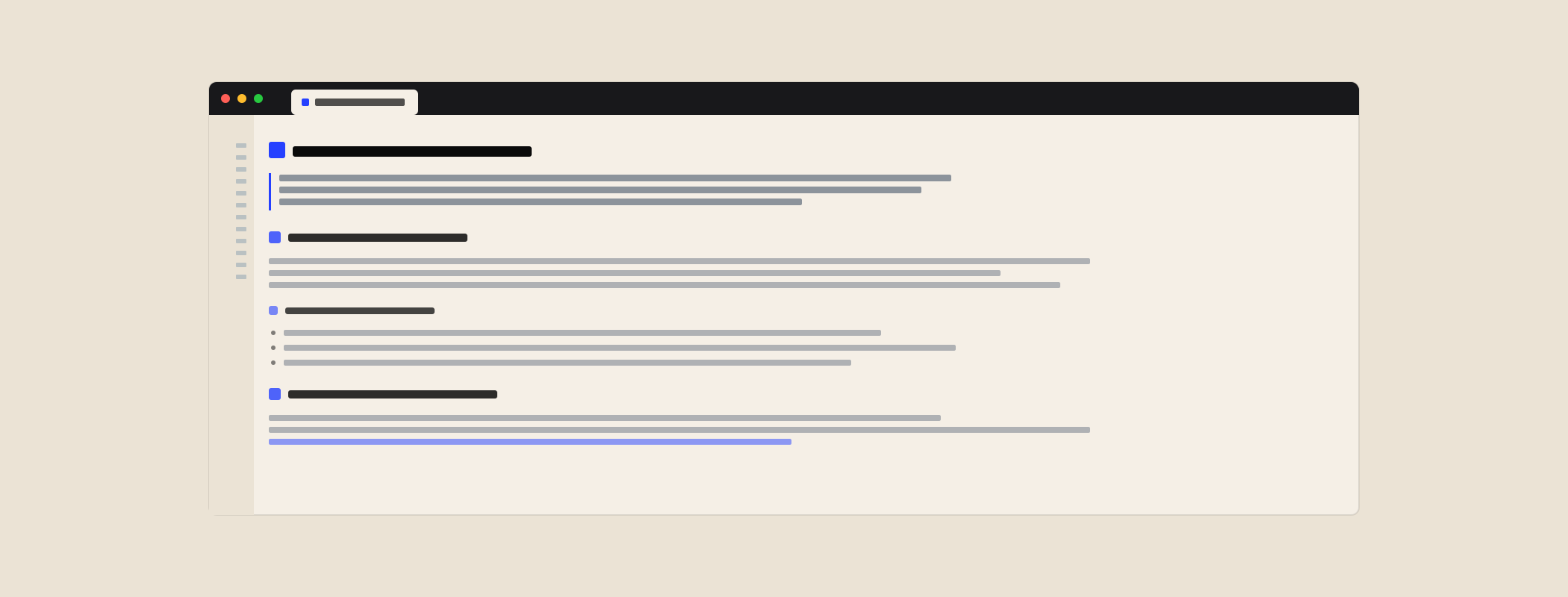
7. Sanity-check your headings. Does each page have one clear H1 and a logical H2/H3 structure that maps to what the page is about? AI leans on that hierarchy to understand and extract your content. A wall of styled divs with no real heading tags is hard to parse.
What your answers mean
Rough scoring. If your content is in the raw HTML, you have schema, and you're cited in at least one engine - you're in decent shape and it's about widening the lead. If your content's there but you have no schema and no citations, you're leaving easy wins on the table. If your content isn't in the raw HTML at all, that's the priority fix before anything else - nothing downstream works until crawlers can actually see your pages.
How to fix an invisible site
In priority order:
- Get your content into the HTML. If you're on React/Next/Vue without SSR, enable server-side rendering or pre-rendering so crawlers see real content on first fetch.
- Add schema. Start with Organization and FAQ schema on your key pages. It's the fastest way to make your pages machine-readable.
- Publish an llms.txt. A short, curated summary of who you are and which pages matter.
- Tidy your headings. One H1 per page, logical H2/H3s that describe the content.
- Build citable content. Clear, well-referenced answers to the questions buyers actually ask - the raw material AI quotes.
Here's the kind of schema that turns "the AI has to guess" into "the AI knows":
<script type="application/ld+json">
{
  "@context": "https://schema.org",
  "@type": "FAQPage",
  "mainEntity": [{
    "@type": "Question",
    "name": "How much does [your service] cost?",
    "acceptedAnswer": {
      "@type": "Answer",
      "text": "Plans start at $X per month..."
    }
  }]
}
</script>
A FAQPage block is essentially pre-formatted AI output - a question and its answer, structured exactly the way an AI system wants to surface it. Get the raw content readable, annotate it with schema, and you go from invisible to citable.
Going deeper than a 10-minute check
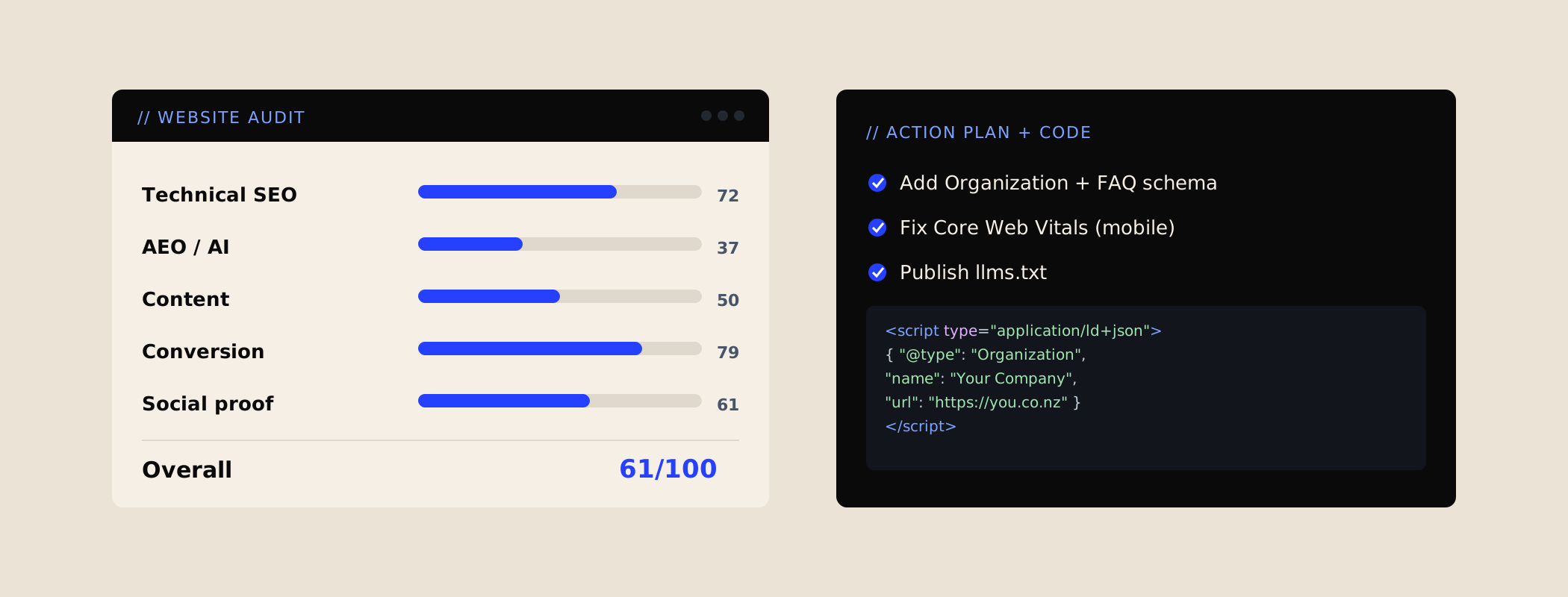
These seven checks tell you whether you have a problem. They won't tell you the full extent of it, or exactly what to change and where. That's what a proper AEO audit is for: it measures your schema coverage page by page, checks your llms.txt and structured data, reviews your heading architecture, estimates your citation rate across a wider set of prompts, and - crucially - hands you the exact code to fix each gap. If the 10-minute version turned up red flags, that's the version worth getting.
Or run two free tools instead. The Waffle-o-Meter checks crawler access, served HTML, schema and headings for any URL - and scores the copy while it is there.
Do the 7 checks in one click. The free AI Visibility Check extension runs most of this list on whatever page you are viewing - schema, answer structure, E-E-A-T signals, and whether AI crawlers can read you at all. No sign-up.
Don't assume your agency has this covered. When I ran 80 NZ and AU agency websites through the same check, only 5 had all 12 AI-search basics on their own homepage, and website studios averaged about half.
Where this fits: This is part of AEO foundations, the work I do first for New Zealand and Australian B2B teams. The whole method, step by step, is in the AI Search Playbook.