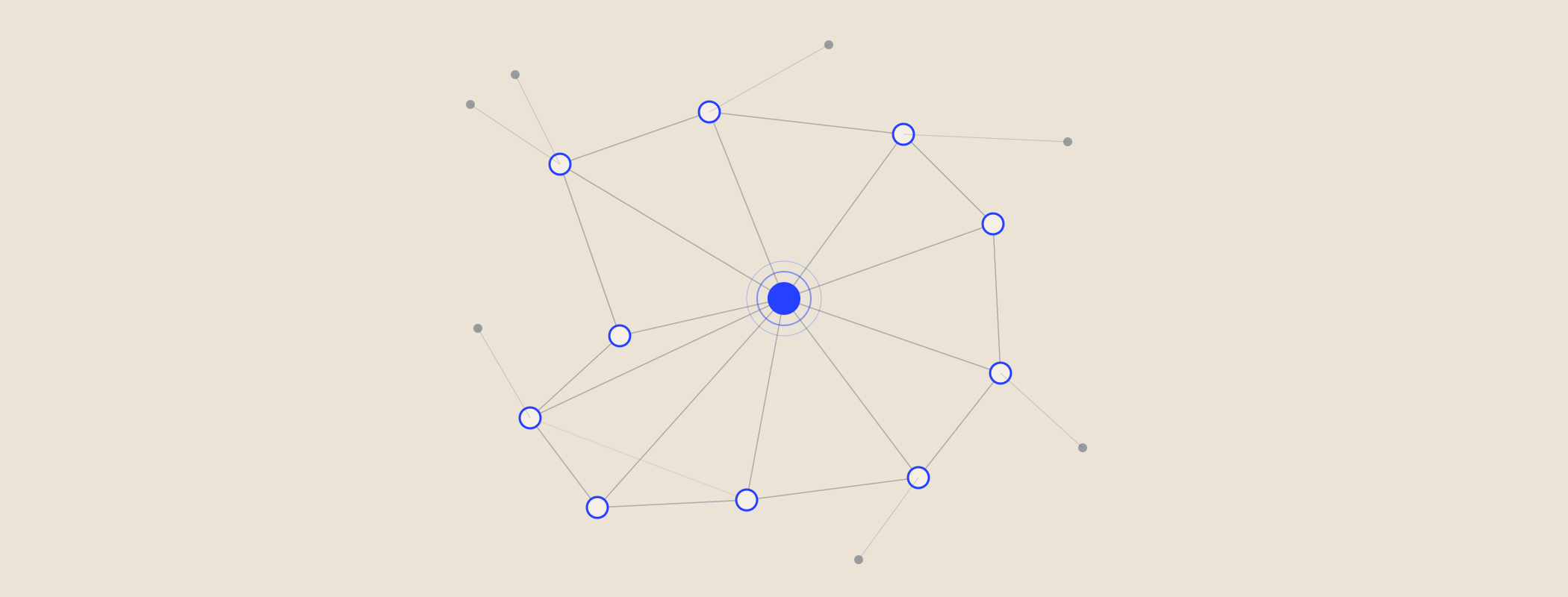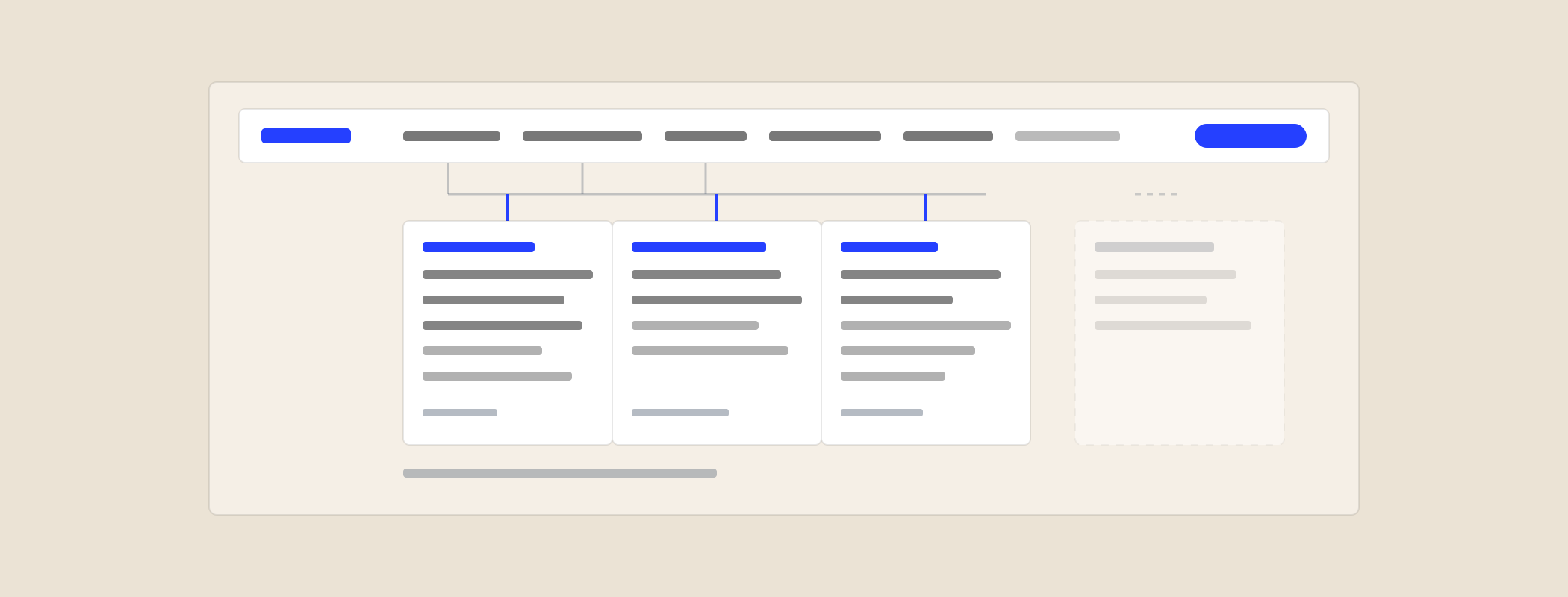
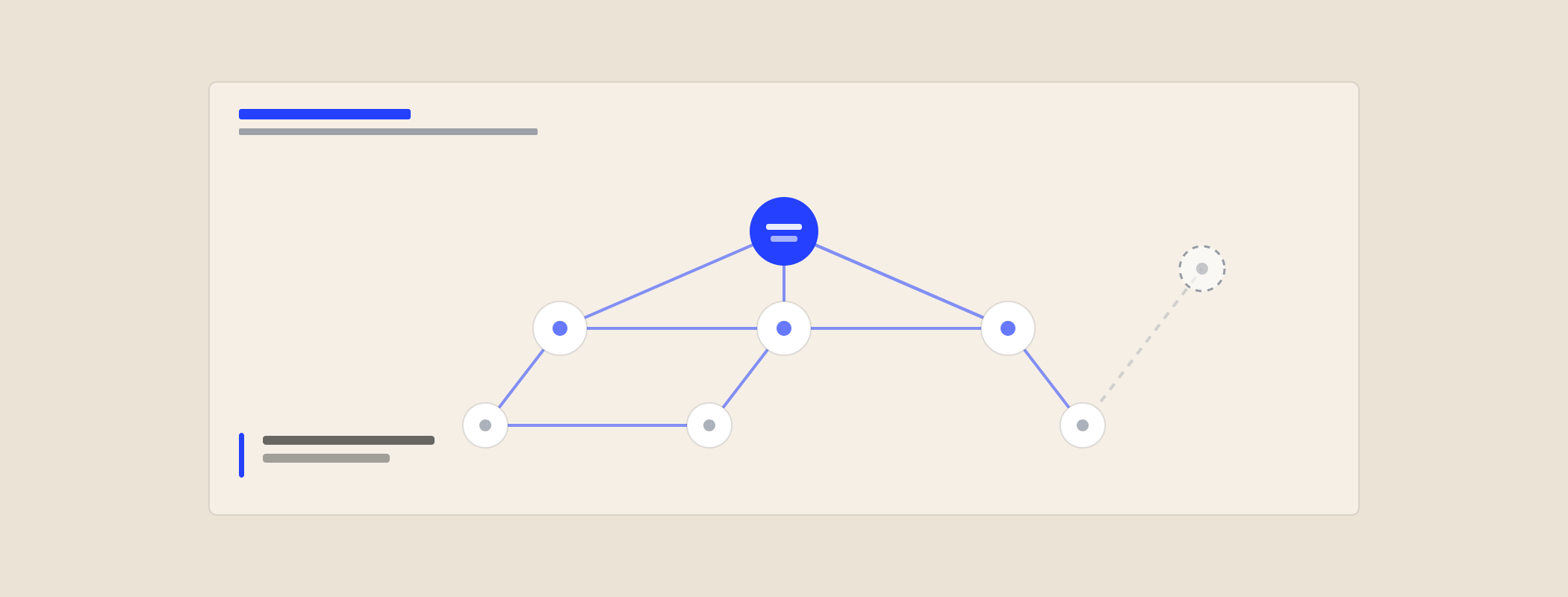
Most B2B sites are a pile of pages rather than a structure. Each one was written, published and then quietly abandoned - no links in, no links out, no relationship to anything else on the site. That is a shame for visitors and an outright waste for search, because internal links are the one ranking factor you control completely.
Why it matters more than people assume
Internal links do three jobs at once, which is unusual for something this cheap.
- Discovery. A page with no links pointing at it can only be found through your sitemap, and being found is not the same as being considered important.
- Importance. The number and quality of internal links to a page is one of the clearest signals you can send about which of your pages actually matter. If your pricing page has three internal links and your 2023 event recap has eleven, you have told a story you did not mean to tell.
- Context. The words in the link tell a crawler - and increasingly an AI retrieval system - what the destination is about. Fifty links saying "read more" tell it nothing at all.
And unlike backlinks, nobody has to agree to any of it.
The six links every page needs
Not a rule from a standard. A working checklist that is easy to apply and hard to argue with.
1. Up - to its parent
Every page should link to the category or hub it belongs to. A blog post links to the topic hub, a service detail page links to the service category. This is what turns a pile of pages into a shape.
2. Across - to two siblings
Two links to pages at the same level, and they must be genuinely related. "Related posts" blocks that show your three most recent articles regardless of topic are decoration, not linking. Pick them by subject, by hand, or by tag.
3. Down - to something more specific
If the page raises a subject you have covered in more depth elsewhere, link to it in the sentence where it comes up. This is where most of the value sits, because it is contextual and it is exactly where a reader wants it.
4. Out - to the commercial page
One link, in the body, to the service or product the content relates to. In the text, not only in a call-to-action box at the end, because the box is furniture and readers skip furniture. If a post cannot be connected to something you sell, ask why it exists.
5. Back - from something that already ranks
This is the one everyone forgets, and it is the highest value link on the list. When you publish, go to two or three pages that already get traffic and add a link to the new page from the relevant sentence. A new page with a link from a strong page starts in a completely different position from one with none.
6. A definition or proof link
One link to the page that defines a term you use or evidences a claim you make - a glossary entry, a case study, a data page. This is the link that makes content feel like part of a body of work rather than a standalone opinion.
Six links, roughly ten minutes per page. Done at publish time it is invisible effort. Done retrospectively across eighty pages it is a week nobody will authorise.
How to find your orphan pages
Orphans are pages with zero internal links pointing at them. Every site has them, and the owner is always surprised by which ones.
- Crawl your site with any crawler that reports inlinks - Screaming Frog's free tier covers 500 URLs, which is most B2B sites.
- Export the list of URLs with an inlink count of zero or one, ignoring nav and footer links so you are looking at contextual links only.
- Cross-reference against your sitemap. Anything in the sitemap that the crawl only reached via the sitemap is an orphan.
- Sort by whether you care. Half will be pages that should be deleted or redirected. Do that instead of linking to them.
- For the rest, find two existing pages on the same subject and add a contextual link from each.
An afternoon of this on a neglected site usually moves more than a month of new content, because you are activating pages you already paid to write.
Anchor text, without the superstition
There is a lot of nonsense written about anchor text. The practical version is short.
- Describe the destination. If the link text were the only thing on the page, you should still know where it goes.
- Vary it naturally. "B2B SEO pricing", "what it costs", "our published rates" all pointing at the same page is normal writing and fine. The same exact phrase fifty times is a pattern, and patterns look engineered.
- Never "click here", "read more" or "this post". They waste the strongest contextual signal you have and they are poor for screen readers too.
- Keep it in the sentence. A link inside a sentence that a reader is already in the middle of gets clicked far more than one appended afterwards.
- Three to seven words is the useful range. A whole paragraph as a link blurs what it is about.
Which pages to link from
Not all internal links are worth the same. A link from a page that already earns traffic and external links passes far more than one from a page nobody visits.
So the order of operations is:
- Open Search Console and list your top 10 pages by impressions.
- For each, ask what the reader's next question is.
- Link to the page that answers it, from the sentence where the question arises.
This takes about an hour and is the highest-yield internal linking work available on most sites. It is also the opposite of what people do by default, which is to add links to the new post and never touch the old ones.
Five mistakes worth avoiding
- Automated related-posts widgets as your whole strategy. They are better than nothing and much worse than five minutes of judgement.
- Linking every mention of a keyword. Three links to the same page from one article is two too many, and it makes the writing unreadable.
- Linking to the homepage repeatedly. Your homepage does not need the help and the link is almost never useful to the reader.
- Leaving links pointing at redirects. When a URL changes, update the internal links rather than relying on the 301 forever.
- Treating the footer as an internal linking strategy. Sitewide links are baseline plumbing. Contextual links in the body are where the meaning is.
Make it a routine, not a project
Two habits, and you never have to do the miserable retrofit again:
- At publish: run the six-link checklist before the page goes live. It is part of publishing, like adding a meta description.
- Once a quarter: crawl for orphans, check for links pointing at redirects, and add links to your newest pages from your strongest existing ones. Ninety minutes.
Internal linking does not produce a dramatic before-and-after chart you can put in a board pack. It produces a site where the pages you already have get found, get understood, and get counted - which is usually the difference between content that earns its keep and content that just exists. The same logic underpins building topical authority with content webs, where the links between pages are most of the point.
If you would rather have someone else map it, internal link structure, orphan pages and link depth are all part of a website audit - with the fixes listed in the order that gets the most from the least work.